
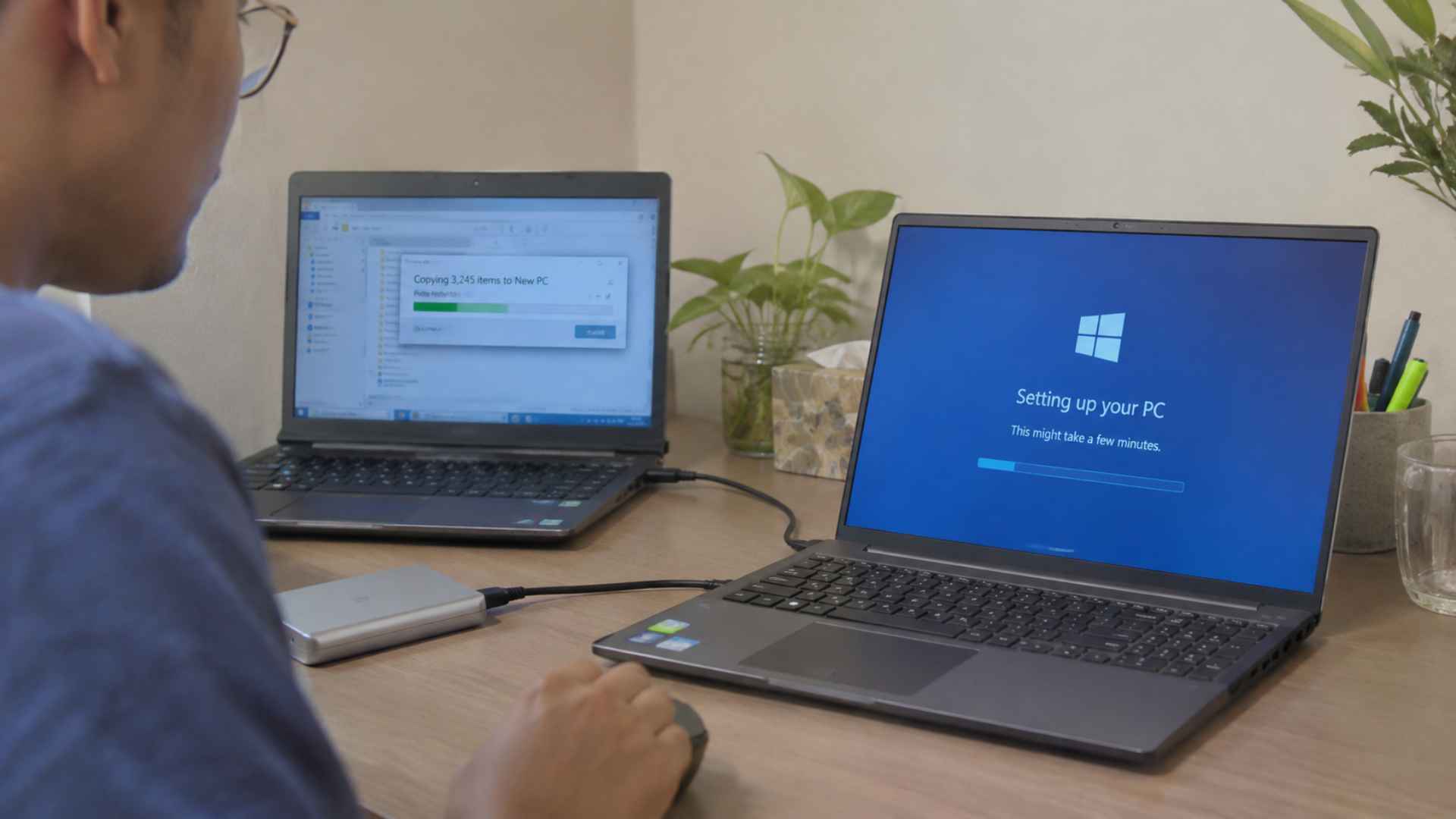
Setting up a new computer is an exciting step, whether you are replacing an old device, upgrading your hardware, or starting with a fresh operating system. However, getting a new computer ready involves more than simply turning it on and connecting to the internet. You also need to configure important settings, install the right software, and make sure your personal files are ready to use.
Software migration is another important part of this process. Moving applications, documents, browser settings, and other data from an old computer to a new one requires careful planning. A proper setup helps reduce technical problems, protects important information, and makes the transition easier. With the right preparation, you can enjoy your new computer without losing access to the tools and files you use every day.
Preparing Your New Computer Before Moving Files
Before transferring anything, take some time to prepare your new computer. Start by checking its hardware specifications, including the processor, memory, storage capacity, and operating system version. Make sure the device meets the requirements of the applications you plan to use. Once everything looks good, connect the computer to a stable internet connection and install available operating system updates. These updates often include security improvements, bug fixes, and compatibility changes that help the system run properly.
It is also important to review the condition of your old computer before beginning the migration process. Remove unnecessary files, organize important documents, and check which applications you still need. Create a complete backup of your personal data using an external hard drive or a trusted cloud storage service. Having a separate backup gives you an additional layer of protection if something goes wrong during the transfer. Avoid deleting files from your old device until you have confirmed that everything important is available on the new computer.
Choosing The Right Method For Software And Data Migration
There are several ways to move files and software between computers, and the best method depends on your operating systems, available storage, and personal requirements. External storage devices are a practical option for transferring documents, photos, videos, and other files. They allow you to copy data directly without depending on an internet connection. Cloud storage services can also help synchronize files across devices, making them useful when you have a large number of documents or regularly work with multiple computers.
However, transferring files is different from migrating installed software. Most desktop applications cannot be moved simply by copying their program folders because they may depend on system settings, registry entries, shared components, or additional files. In many cases, the safest approach is to download fresh installers from the official software provider and install the applications again. You should also check license information, activation limits, and account credentials before moving. Some programs require deactivation on the old device before they can be activated on a replacement computer.
Configuring Software And Checking Your New Computer
After completing the main migration, the next step is configuring your new computer to match your daily needs. Begin with essential applications such as web browsers, office software, PDF readers, communication tools, and security programs. Download applications from official websites or trusted app stores to reduce the risk of installing unwanted or harmful software. Once installed, sign in to your existing accounts and restore supported preferences, bookmarks, extensions, and saved settings. This can make the new environment feel familiar without requiring you to configure every detail manually.
Security should also be part of the initial setup. Create a strong account password and enable multi factor authentication where available. Review the firewall settings, confirm that built in security protection is active, and check that automatic updates are enabled. If you use a laptop, configure power settings according to your working habits. You should also review privacy permissions for applications, especially those requesting access to your camera, microphone, location, or personal files. These small adjustments help keep your system more secure while ensuring that your applications have the permissions they actually need.
Finally, test the computer before considering the migration complete. Open important applications, check whether your documents are accessible, and confirm that email accounts, printers, external drives, and other connected devices work correctly. Pay attention to application errors, missing files, or unexpected performance issues. If you use specialized software for work, verify that its settings, licenses, and required components are functioning properly. Keep your old computer and backup files available until you are confident that the new setup is stable. A careful final check can prevent unnecessary interruptions and make it easier to identify problems while your previous system is still accessible.